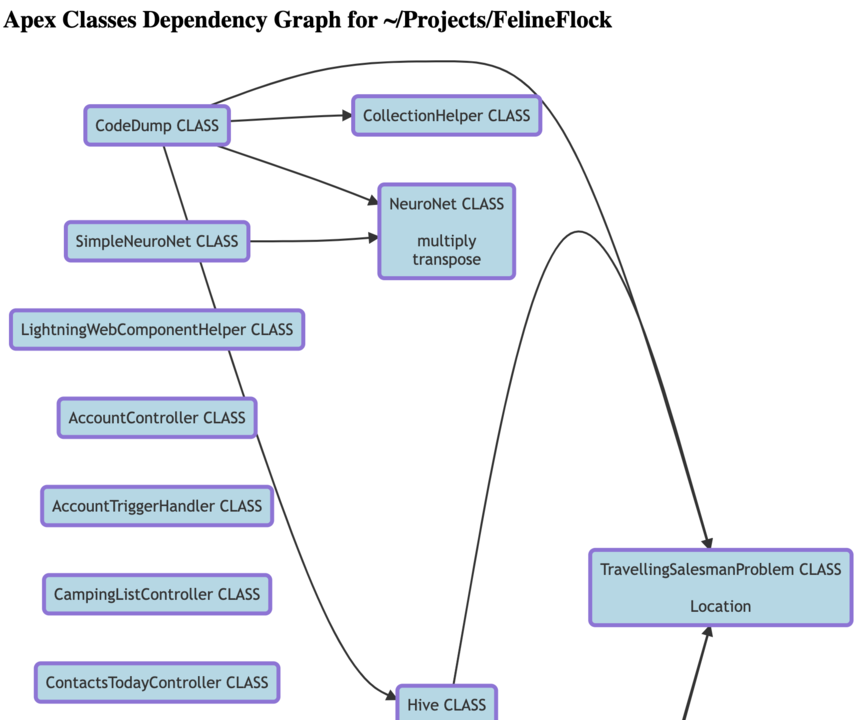
I’ve just released my first extension for VS Code: Dependency Graph for Salesforce
You can install it via the following link: DependencyGraphForSF
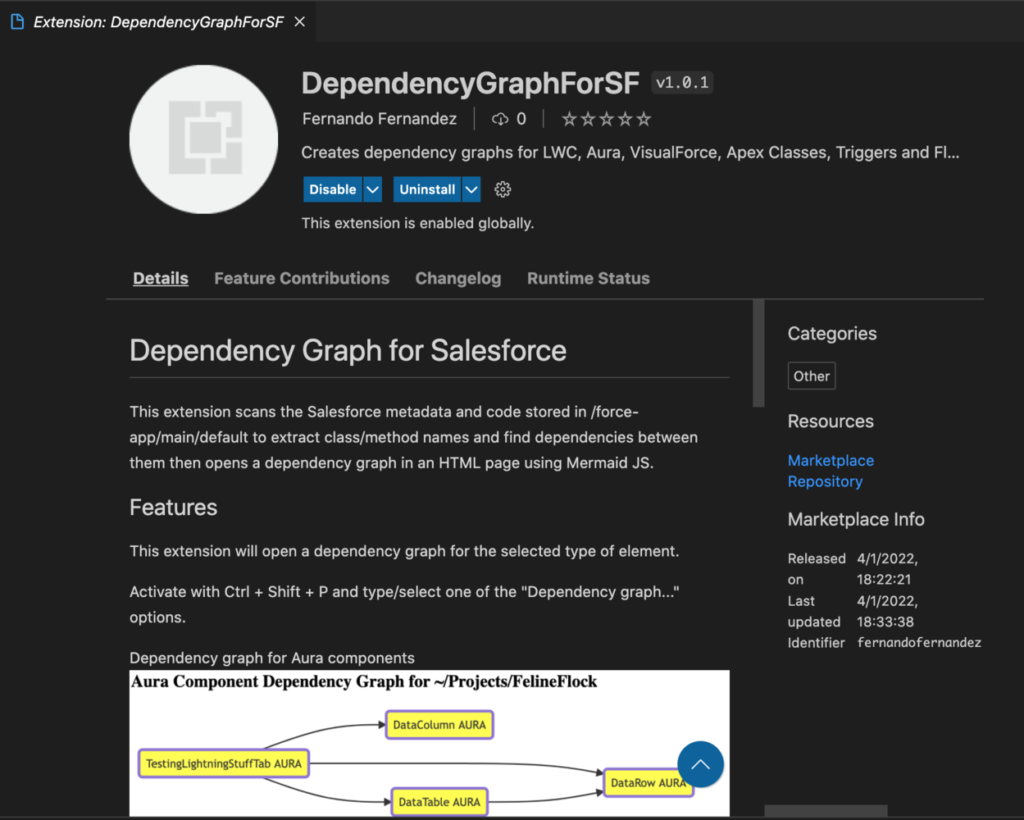
After installing it, open a workspace with metadata from a Salesforce org (or use SFDX to download the metadata from the Salesforce org using the command “SFDX: Retrieve Source from Org”).
Then type Ctrl + Shift + P to open the command palette and select one of the six options below:

The extension will open a browser tab with the graph after scanning the code.
This extension doesn’t use any Salesforce APIs and relies exclusively on the metadata that you have downloaded from the org using SFDX. It scans the code looking for references between each element, then draws a dependency graph using Mermaid.JS.
The source code (Node.js) is available at https://github.com/fmendes/dependencygraphforsf .
Here are a few examples of graphs extracted from code:
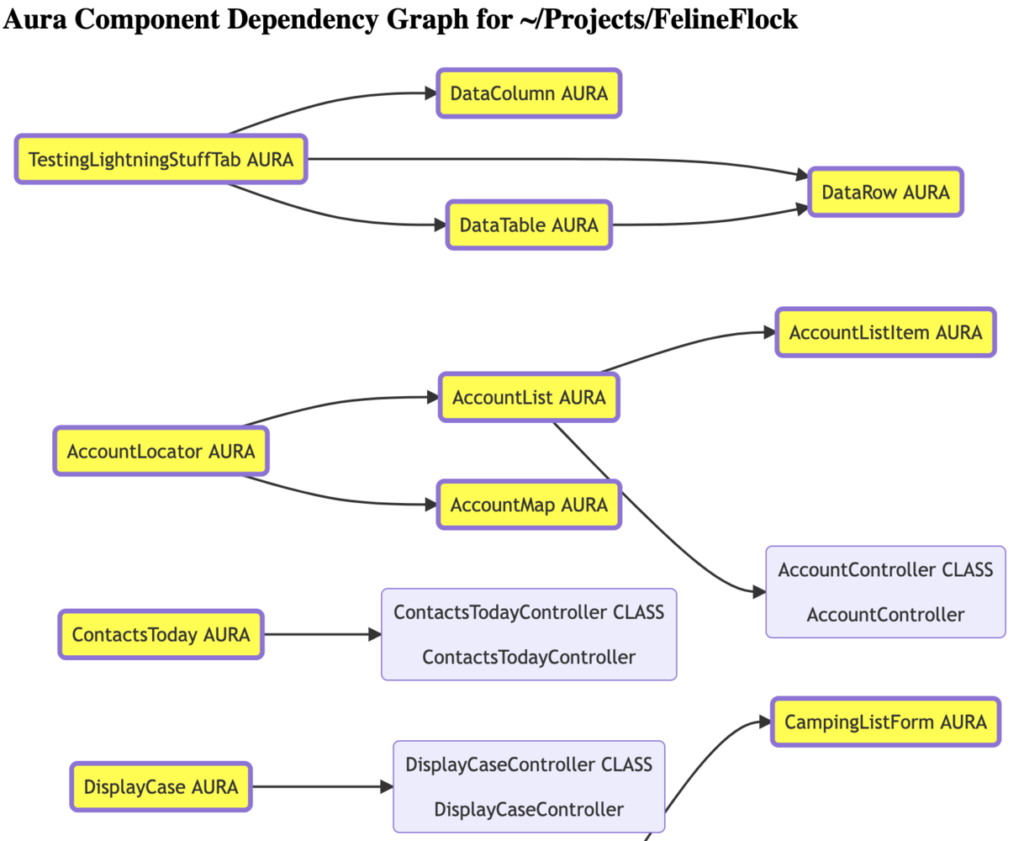
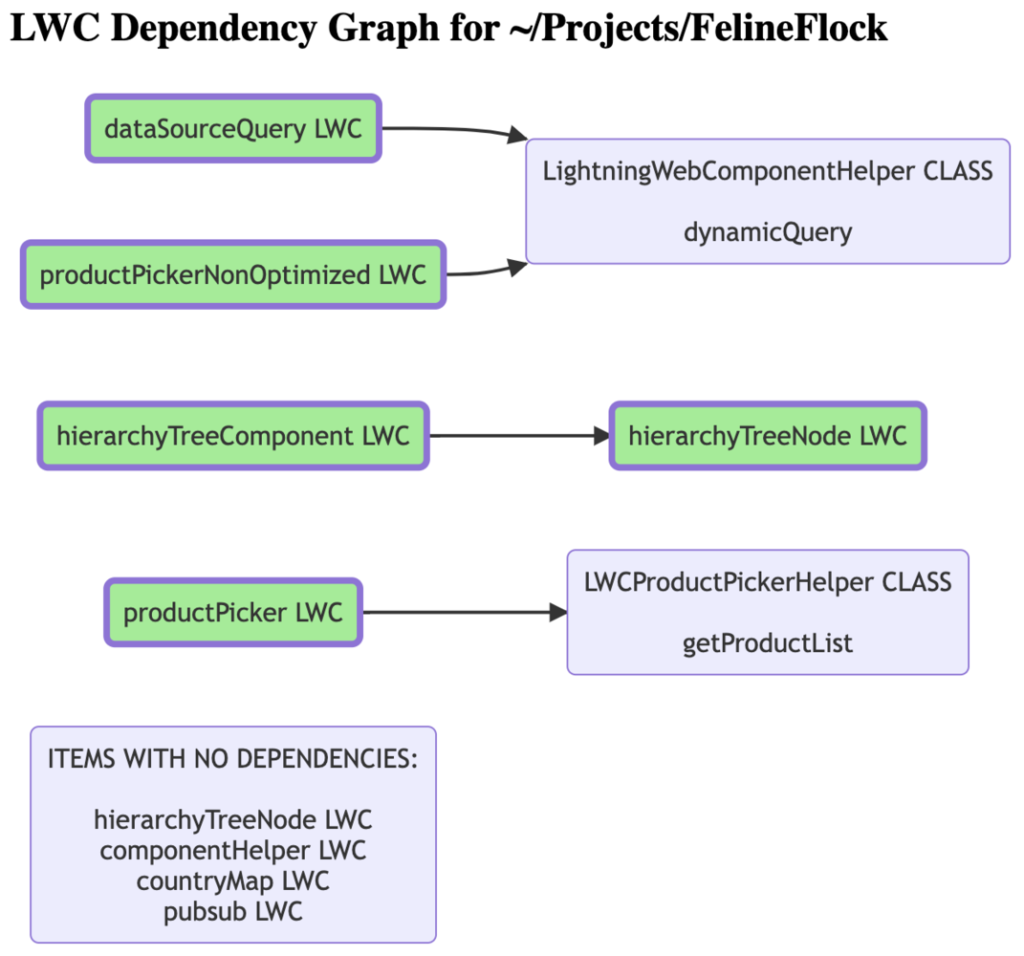
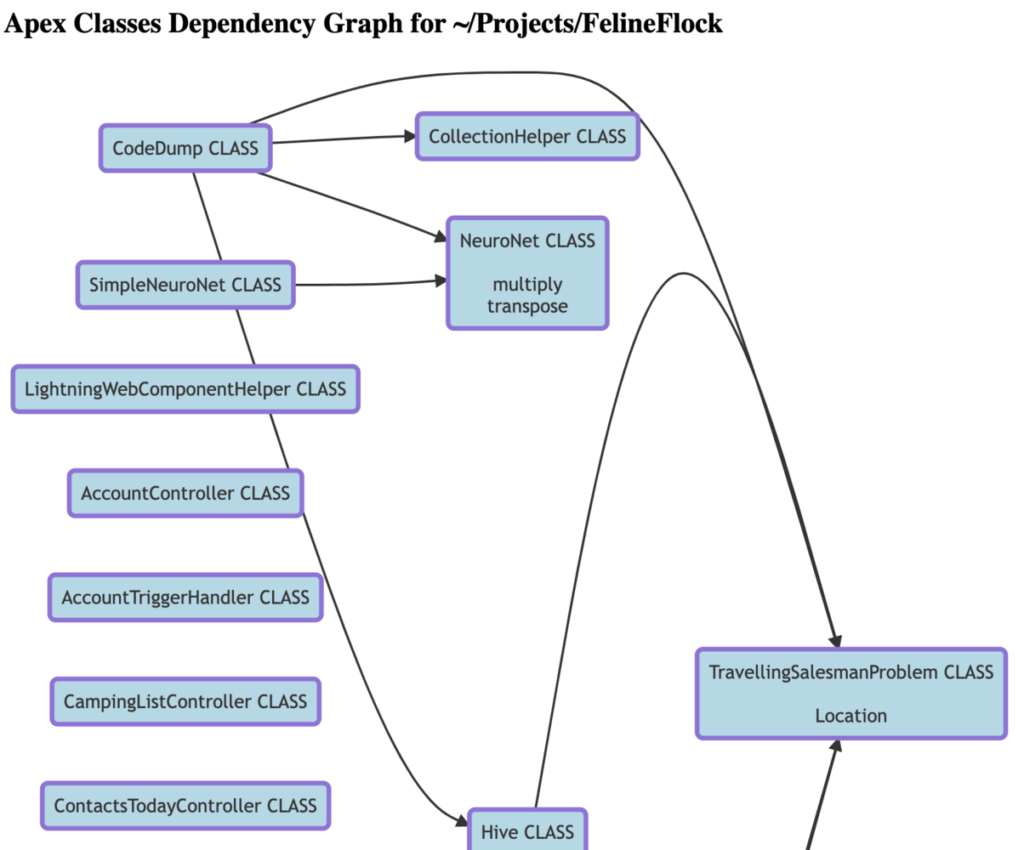
Depending on the number of elements in the org (classes, components, …) the graph may hit the limits of Mermaid.js but I haven’t had a chance to find the limit yet.